
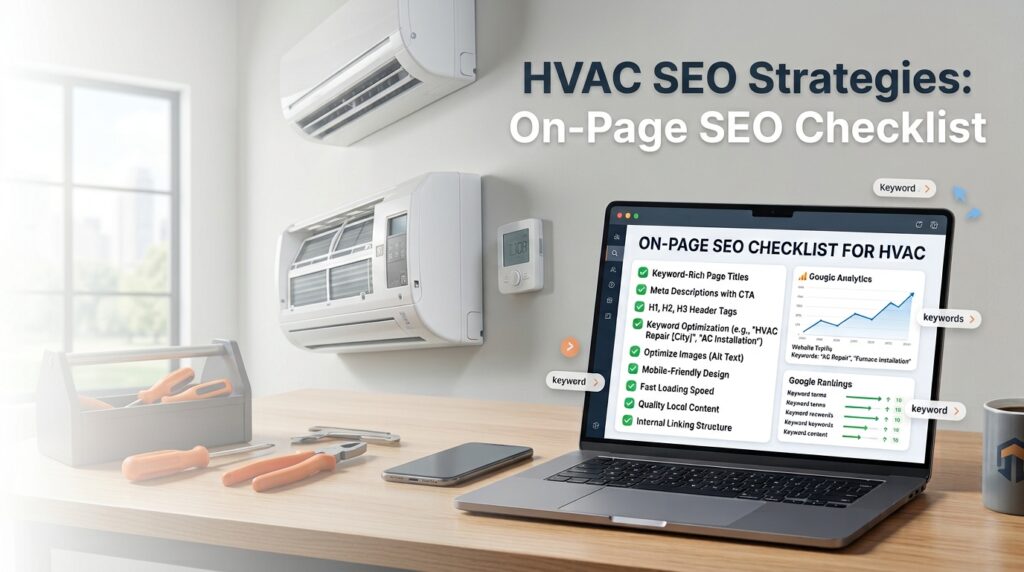
Most HVAC business owners think of SEO as something that happens off their website: reviews, citations, a Google Business Profile. Those matter, but none of them work as hard if the website itself sends the wrong signals. On-page SEO is everything that happens directly on your pages, the words, structure, and setup that tell Google what each page is about and tell a homeowner they’ve found the right company. Good HVAC SEO strategies start here, because a fast, well-organized site makes every other tactic more effective.
This checklist covers the fixes that move rankings, explained in plain language, so you can hand it to whoever manages your site and know exactly what to ask for.
Title tags and meta descriptions: What shows up in Google
A title tag is the blue, clickable headline Google shows in search results. A meta description is the short paragraph underneath it. Neither appears on the page itself, but both are strong signals for what the page covers, and both decide whether someone clicks your listing or a competitor’s.
•Put your main service and city in the title tag: “AC Repair in Plano, TX | Your Company Name.”
•Keep titles under about 60 characters so Google doesn’t cut them off mid-sentence.
•Write a meta description that names the service and gives someone a reason to click, like same-day appointments or 24-hour availability.
•Give every page its own title and description. Reusing the same one across ten service pages tells Google those pages are interchangeable, and they aren’t.
Header structure: Organizing the page so people and Google can scan it
Headers are the bolded section titles on a page. The H1 is the main headline, H2s break the page into sections, and H3s break sections into smaller pieces. Search engines use this structure to understand what a page covers, and homeowners use it to scan for the part they need.
•Use exactly one H1 per page, and work your primary keyword into it naturally: “Furnace Repair in [City].”
•Break the rest of the page into H2s for each major topic: what’s included, pricing, service area, common questions.
•Don’t skip levels or use a header just to make a line of text bold. If it isn’t starting a new section, it shouldn’t be a header.
Keyword placement that doesn’t read like keyword stuffing
Google still needs to see your target keyword on the page, but cramming “AC repair” into every other sentence reads as spam to both Google and the homeowner reading it. Place it where it naturally belongs, then let the rest of the page talk like a person.
•Include the keyword once in the title, once in the H1, and once in the first paragraph.
•Work in one or two natural variations further down the page: “cooling repair,” “air conditioner service.”
•Add the city name near the keyword at least once, since that’s what separates a local page from a generic one.
•Read the finished page out loud. If a sentence sounds stiff because a keyword is jammed into it, rewrite the sentence.
Page speed: Why a slow site loses jobs before anyone reads a word
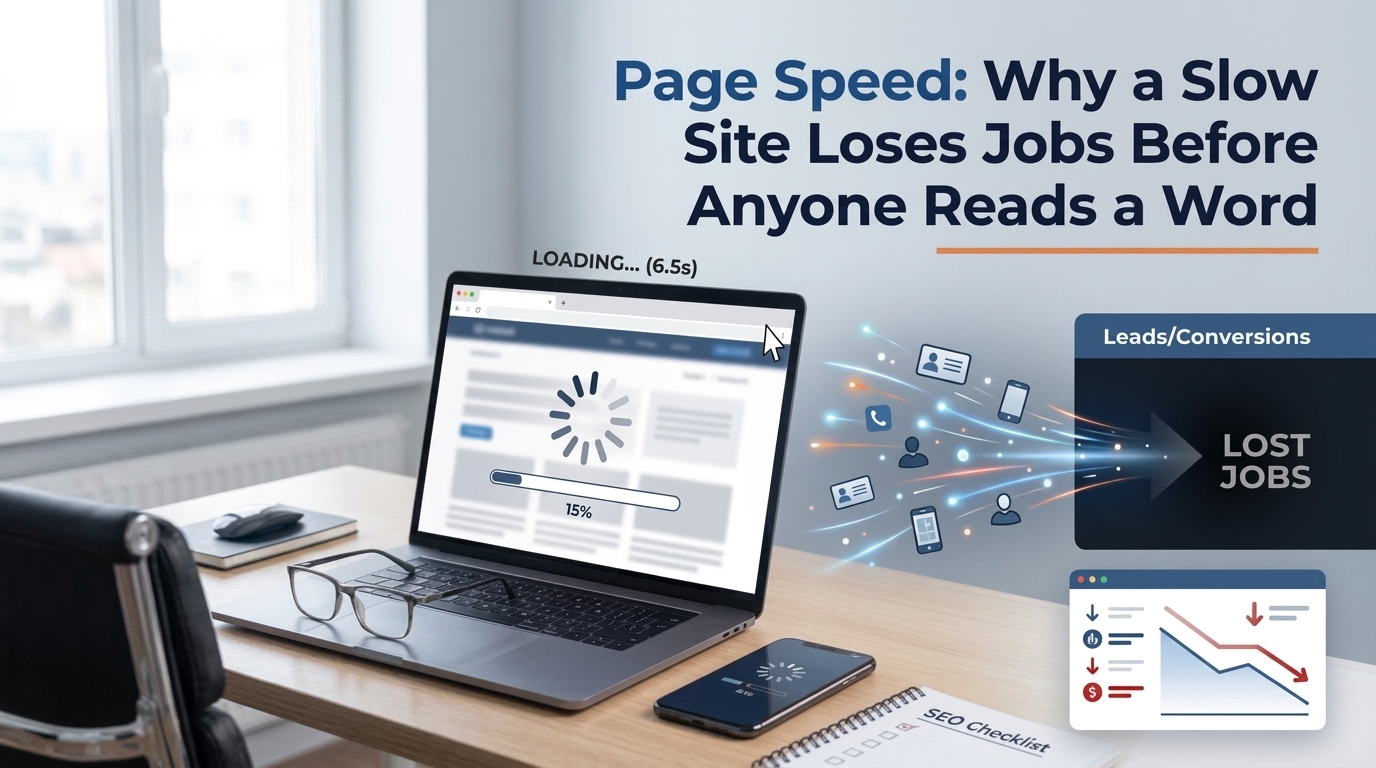
53% of mobile visitors leave a site that takes more than three seconds to load, according to Google’s own mobile speed research. For an HVAC company, that’s a homeowner comparing three contractors on their phone, and yours is the one that never finishes loading.
•Compress images before uploading. A photo straight from a phone camera can be five to ten times larger than it needs to be for the web.
•Skip autoplay videos and heavy image sliders on the homepage. They slow the page down for very little benefit.
•Turn on caching, either through your hosting provider or a plugin. Caching stores a ready-to-load copy of your page instead of rebuilding it from scratch for every visitor.
•Run your site through Google’s free PageSpeed Insights tool and fix whatever it flags as high priority first.
Mobile-friendliness: Most of your customers are calling from their phones
Google evaluates the mobile version of your site first, even for searches done on a desktop. If the mobile experience is clunky, rankings suffer across the board.
•Make sure your phone number is tappable on mobile, so a thumb can dial it without zooming in first.
•Keep buttons and links spaced out enough that someone can tap the right one with a thumb on a moving truck or a cracked screen.
•Test the actual site on an actual phone. Shrinking a browser window on a desktop doesn’t show you the same thing.
Internal linking: Helping people and Google move around your site
Internal links are links from one page on your site to another. They help Google understand how your pages relate to each other, and they help a homeowner move from a blog post straight to a booking page instead of hunting for it.
•Link from blog posts directly to the specific service page they relate to, so a reader can act immediately instead of landing back on the homepage.
•Link between related service pages, like AC repair pointing to AC installation for someone ready to replace instead of repair.
•Use descriptive link text, like “schedule a furnace repair,” instead of vague text like “click here.”
Images and alt text: A small detail with a real impact
Alt text is a short written description attached to an image. Screen readers use it, and so does Google, since Google can’t see a photo the way a person can.
•Add a short, honest description to every image, such as “technician repairing outdoor AC unit in [city].”
•Rename image files before uploading. “IMG_4821.jpg” tells Google nothing. “ac-repair-plano-tx.jpg” does.
•Use real photos of your crew and trucks where you can, instead of stock photography. They build trust and give you something worth describing.
Business details and trust signals on every page

Your Name, Address, and Phone number, usually called NAP, need to match exactly what’s listed on your Google Business Profile. Beyond that, a page earns trust the same way a technician does at the front door: by showing credentials up front.
•Put your phone number in the header of every page, where it’s visible the moment someone lands.
•Show licensing, insurance, and any certifications somewhere visible on service pages, where a homeowner will see them before calling.
•State your service area clearly. “Serving the greater metro area” tells a homeowner nothing; naming the actual cities does.
Content that answers the questions homeowners are asking
Google increasingly rewards pages that show real, specific knowledge over pages built to hit a word count. The good news is that the specific knowledge already exists inside your business, in the questions your team answers on every call.
•Lead with the direct answer in the first two or three sentences, then add the supporting detail underneath.
•Include real specifics: brands you service, typical repair timelines, what’s included in a maintenance visit.
•Add a short FAQ section covering the four or five questions your office fields most often.
URLs: short, readable, and consistent
The URL is the web address of the page, the part that shows in the browser bar. A clean URL is one more small signal telling Google, and a homeowner glancing at a search result, exactly what the page is about before they even click.
•Use a simple, readable format: yoursite.com/ac-repair-plano-tx, not a string of numbers or a generic page ID.
•Keep it short. Two or three words plus the city name is enough; you don’t need the full title crammed into the address.
•Avoid changing the URL of a page that’s already live and already ranking. If you have to change it, set up a redirect from the old address to the new one so the page doesn’t lose its ranking history.
One more fix worth the afternoon: Schema markup
Schema markup is a small piece of code added to a page that spells out specific facts about your business, like hours, service area, and review ratings, in a format Google can read directly instead of guessing from the surrounding text. You don’t need to write it by hand. Most website platforms have a plugin that generates it, and a developer can usually add it to your core pages in an afternoon.
Putting it together
None of these fixes work in isolation, and none of them require a redesign. A page with the right title tag, a clean header structure, a fast load time, and content that answers a homeowner’s question will consistently outperform a page missing two or three of those pieces, no matter how much time gets spent on citations and reviews elsewhere. That combination is what a working local SEO strategy is built on: not a single trick, but a page that gives Google and the homeowner reading it exactly what they came looking for.
Work through this list one service page at a time. Start with your highest-traffic pages first, since that’s where the fixes pay off fastest.
Want someone to run this checklist for you?
Going through every service page on your site takes real time, and it’s easy to miss something when you’re the one who wrote the page in the first place. We’ll audit your site against this exact checklist, title tags, speed, mobile setup, content, the works, and hand you a prioritized list of what to fix first.
No cost. No obligation. Just a clear starting point.